Your brand on every panel touchpoint
Brand the Virtualizor control panel as your own product. Custom logos, site name, favicon, login screen, support desk link, and footer copyright - with full sub-branding support for resellers.

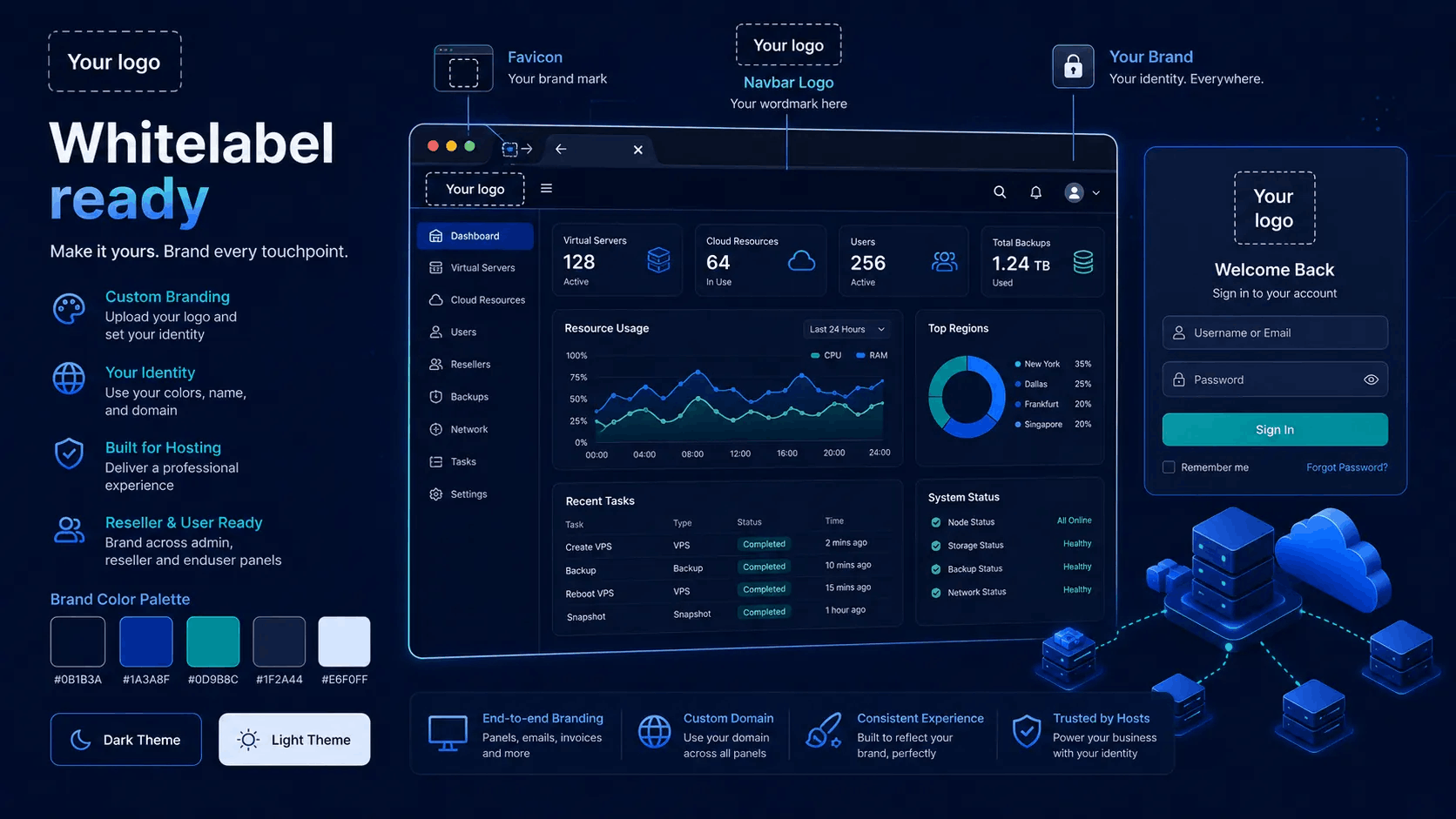
Logos, login and footer identity
Admins set branding once on the master server. The panel automatically presents your company identity across Admin, Enduser, and Reseller interfaces.
- Custom site name displayed across headers & emails
- Custom navbar logo, login logo and mobile app icons
- Custom favicon icon for browser tabs
- Custom footer copyright text and support desk links
From master config to customer login
Branding is built directly into panel configuration. Set it on the master server; resellers can refine what their sub-users see.
Set identity
Enter site name, support URL, copyright text, navbar logo, and favicon in Admin Configuration on the master server.
Login & theme
Customize the login screen logo or hide it completely. Select a panel theme or apply custom stylesheets for your brand.
Reseller & Cloud
Resellers and Cloud users can set their own logo, mobile logo, favicon, copyright, and privacy policy URL for their sub-clients.
What you can brand today
Complete control over every brand touchpoint across the platform.
Logos & favicon
Upload or specify image URLs for the navbar, login screen, admin mobile view, and client mobile view. Set a custom favicon for browser tabs.
- Navbar logo & login screen logo
- Option to disable or hide the login logo
- Favicon URL for browser tab icon
Name, support & footer
Site name replaces vendor references across the panel. Custom support desk link and copyright text complete your brand presentation.
- Custom site name (`sn`) for title tags
- Support URL & contact links
- Copyright notice & privacy policy URL
Reseller & Cloud brand
When an enduser belongs to a reseller or Cloud parent, the panel loads that parent's custom logo, favicon, copyright, and privacy URL dynamically.
- Per-reseller logo & brand preferences
- Custom copyright & privacy for sub-clients
- Scoped to reseller customer trees
Virtualizor Whitelabel specifications
Technical details of Virtualizor's branding and whitelabel capabilities.
| Status | Surface / Feature | Capability & Technical Detail |
|---|---|---|
| Navbar Logo | Custom logo displayed in top navigation across Admin and Enduser panels. | |
| Login Screen Logo | Custom logo on login screen and password reset views (with option to hide). | |
| Favicon & Title | Custom `.ico`/`.png` browser tab icon and custom site name in page title tags. | |
| Footer & Copyright | Custom footer copyright text, privacy policy link, and support desk URL. | |
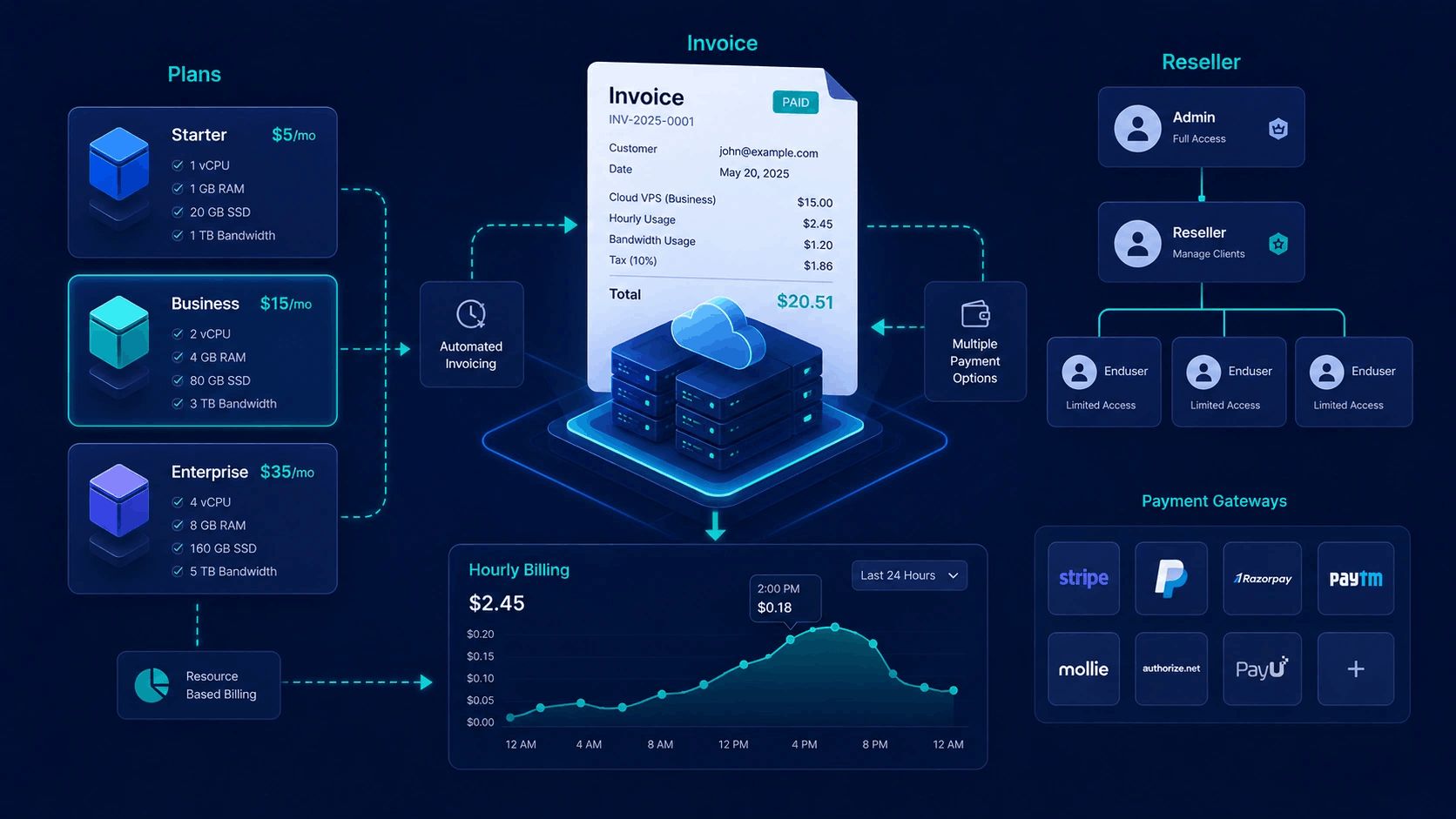
| Reseller Sub-Branding | Hierarchical branding for reseller trees - logos, favicons, and copyright per reseller. | |
| Email Branding | Custom `From:` email address, sender name, and email template branding for notifications. |
Admin global brand, reseller local brand
Hierarchical branding allows master admins and resellers to manage their own identity.
System Administrators
- Master site name, logos, favicon, support link, and copyright
- Login logo visibility and panel theme selection
- From-email address and billing company identity
- Enable or disable reseller sub-branding capabilities
Resellers & Cloud users
- Upload custom logos and mobile logos for sub-clients
- Set custom copyright text and privacy policy URLs
- Isolated to their specific enduser client trees
- Maintains a professional white-label experience for resellers